Change your FTP password
Managing your Plesk hosting is done intuitively via a secure web interface. Here is the procedure to follow to modify your FTP password:
Navigation in the interface
Once connected to your administration area, you will access the main Plesk dashboard.
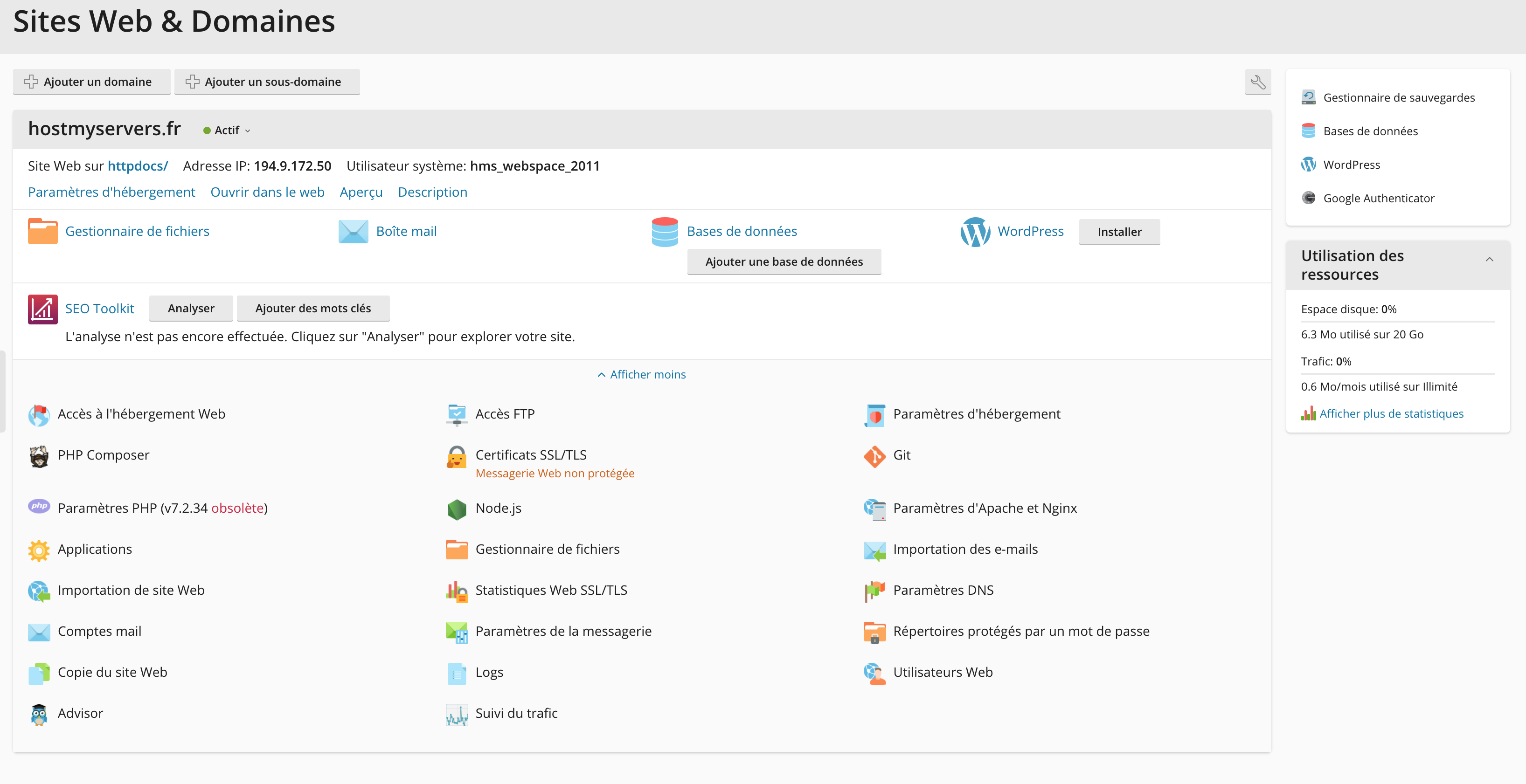
Modify FTP password
To modify FTP account information:
- In the side menu, click "FTP access"
- Locate the FTP account for which you want to modify the password
- Select it to access the modification settings